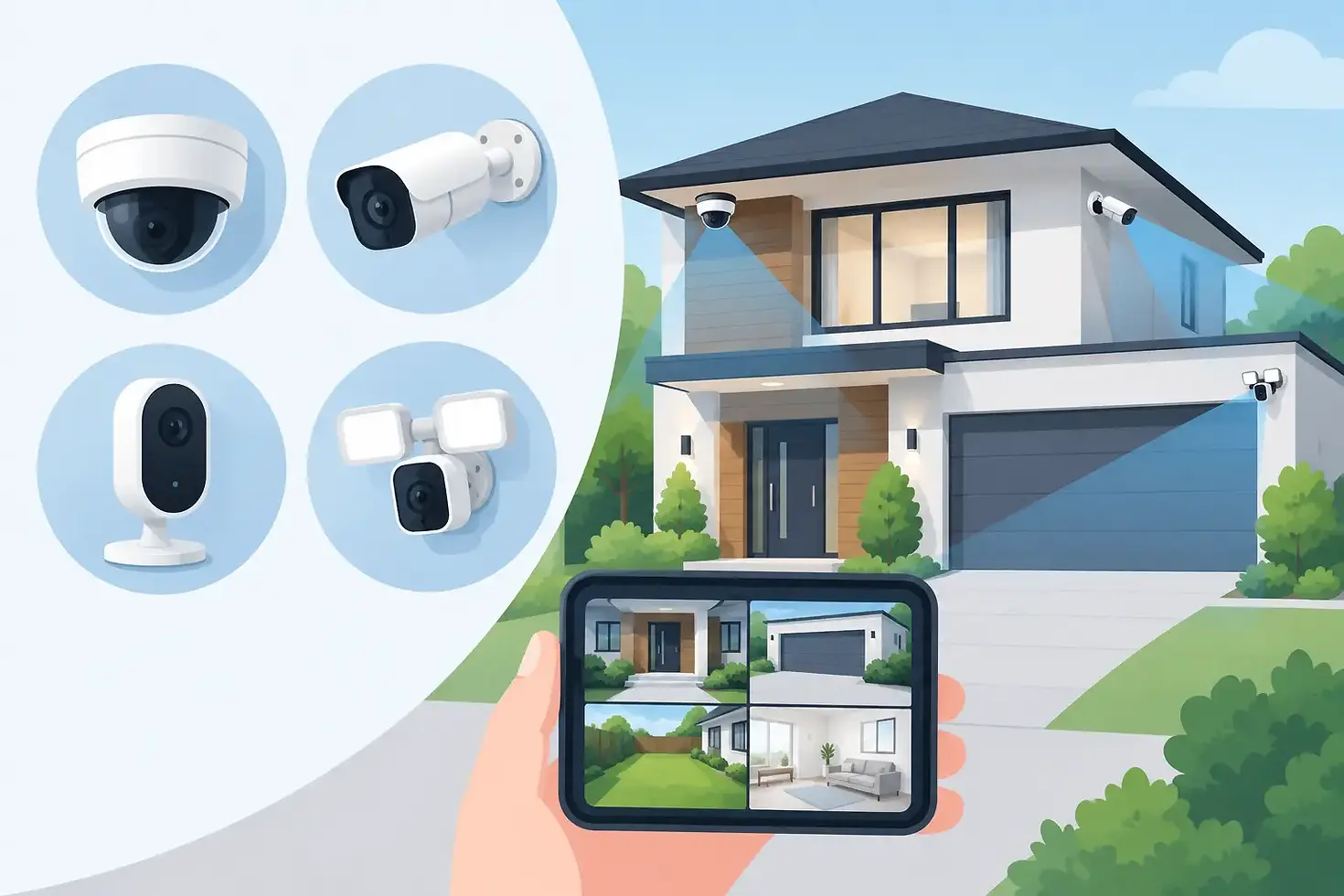
Security Cameras: What to Choose and Where to Place

A package disappears from the porch, an employee opens the shop alone, or your family gets home after dark. Those are the moments when security cameras become more than another piece of technology. The right system gives you a clear view of what is happening around your property and a practical way to respond when something does not look right.
For homeowners and small business owners, the goal is not to cover every inch with equipment. It is to protect the entry points, valuables, and everyday routines that matter most. A well-planned camera setup can discourage unwanted activity, provide useful evidence, and help you check in from wherever you are.
Start With What You Need to See
The best camera system begins with a simple question: what are you trying to protect? A home may need coverage at the front door, driveway, backyard gate, and a main interior area. A business may need visibility at customer entrances, registers, stock rooms, delivery doors, and parking areas.
Walk around the property at different times of day. Notice where someone could approach without being seen, where packages are left, and where activity is likely to occur after hours. This helps prevent a common mistake: buying several cameras before deciding what each one needs to capture.
A camera should have a clear purpose. At a front entrance, you may want to identify visitors and monitor deliveries. At a driveway, you may need a wider view of arriving vehicles. Near a register or storage area, detail matters more than broad coverage. Matching the camera to the location is more useful than simply choosing the highest number of cameras.
Choosing the Right Types of Security Cameras
Different camera styles solve different problems. Most properties benefit from a mix rather than one camera type everywhere.
Doorbell cameras are built for front-door activity. They make it easier to see visitors, speak with them through two-way audio, and receive alerts when someone approaches. They are especially helpful for homes that receive frequent deliveries or businesses with a public entrance.
Outdoor cameras are designed to watch driveways, patios, gates, building entrances, and parking areas. Look for weather resistance and night vision, since outdoor footage must remain useful through rain, heat, cold, and low light. A visible outdoor camera can also serve as a deterrent.
Indoor cameras work well in common areas, hallways, offices, lobbies, and spaces where inventory or equipment is kept. For families, indoor coverage can help you check on pets, older relatives, or activity in a shared area. Avoid placing cameras in private spaces such as bedrooms and bathrooms. Respecting privacy is part of using a security system responsibly.
Floodlight cameras pair motion-activated lighting with video coverage. They can be a strong fit for dark side yards, back entrances, detached garages, and parking areas. The light may draw attention to activity, but placement matters. Aim it carefully so it does not shine into a neighbor's windows or create glare that reduces the camera's view.
Wired cameras often provide a dependable choice for larger properties or locations where continuous coverage is a priority. Wireless cameras offer more flexibility and can be easier to place where running cables is difficult. Neither option is automatically better. A wireless camera may be ideal for a smaller home or an added coverage point, while a professionally installed wired system can be a better long-term solution for a business with multiple critical areas.
Features That Matter in Everyday Use
Clear video is essential, but image quality is only one part of a useful system. Night vision is important for nearly every exterior camera, because many incidents occur after dark. Motion detection helps bring attention to activity, while customizable activity zones can reduce alerts from passing traffic, tree branches, or a busy sidewalk.
Two-way audio is valuable at doors, gates, and customer-facing entrances. It lets you speak with a visitor or delivery driver without opening the door. Mobile app access also matters because it allows you to check live video, receive notifications, and review recorded events when you are away.
Storage deserves a closer look before you buy. Some systems record to local storage, while others use cloud storage plans. Local storage may reduce recurring costs, but it can have capacity limits and may be vulnerable if equipment is damaged or removed. Cloud storage can make clips easier to access remotely, though it may involve a monthly fee. The right choice depends on how long you need to retain footage and how often you expect to review it.
For business owners, user permissions can be particularly helpful. You may want a manager to access live views while limiting who can change settings, download clips, or manage the account. Choose a system that gives you control without making daily operation complicated.
Where to Place Security Cameras for Better Coverage
Placement can make a modest system more effective than a larger system installed without a plan. Begin with the most likely entry routes. The front door, back door, garage door, first-floor windows, gates, and side paths are common priorities.
Mount exterior cameras high enough that they are harder to tamper with, but not so high that faces become difficult to identify. A camera angled toward a doorway should capture a visitor's face rather than only the top of their head. At a driveway, position the camera to show approaching vehicles and the area where people exit them.
Avoid aiming cameras directly at bright lights, the rising or setting sun, or highly reflective surfaces. These conditions can wash out an image at the moment you need it most. Test the view during daytime and at night, then make small adjustments before treating the installation as finished.
Inside a business, focus on entrances, point-of-sale areas, receiving doors, and locations where high-value items are stored. Cameras should support safer operations, not create a feeling that every employee is under constant suspicion. Be clear about your camera policy and follow applicable laws regarding notice, audio recording, and employee privacy.
For homes, a camera facing a shared street may capture useful activity, but it should be positioned with consideration for neighbors. Your system should protect your property without unnecessarily recording private areas beyond it.
Do Not Let Alerts Become Background Noise
A camera that sends a notification every few minutes will eventually be ignored. Take time to adjust sensitivity, activity zones, and alert schedules. For example, a driveway camera may need different settings during work hours than overnight. A shop entrance may need alerts after closing but not during normal customer traffic.
Review a few real alerts before settling on the final settings. You may discover that a camera is catching a flag, a tree branch, or headlights from the road. Small changes to the detection area often improve the experience significantly.
It also helps to decide who should receive alerts. In a household, one or two responsible users may be enough. In a business, notifications should go to people who can act appropriately, such as an owner, manager, or designated security contact. More notifications do not always mean better security.
Professional Installation or Self-Installation?
Self-installation can be a practical option for a straightforward home setup, especially when cameras are battery-powered or located near existing power sources. It gives you flexibility and may be a good fit if you are comfortable mounting equipment, connecting it to Wi-Fi, and testing the settings.
Professional installation is often worth considering when camera placement is complex, wiring is needed, coverage includes multiple buildings, or the system will be part of a broader alarm and smart home setup. Proper mounting, reliable connections, and careful camera angles can make a major difference in the footage you receive.
Authorized Home Security can help customers weigh those choices and build a system around the property instead of pushing a one-size-fits-all package. Whether you prefer hands-on setup or professional support, the right approach is the one that leaves you confident the system is ready when you need it.
A camera system does not have to be complicated to be effective. Start with the places that matter most, choose features you will actually use, and test your views before assuming the job is done. Peace of mind often begins with knowing you can look up, check in, and see what is happening at the property you work hard to protect.


Comments